Sales Dashboard: Difference between revisions
From Fishbowl Advanced
(Created page with "{{Module Introduction|Sales Dashboard|Sales}} shows an overview of your sales data. * In the '''Date Range''' field, select the date range you would like to view. * In the '''Previous Range''' field, select a date range for comparison. {{IntroImage}}") |
No edit summary |
||
| Line 3: | Line 3: | ||
* In the '''Date Range''' field, select the date range you would like to view. | * In the '''Date Range''' field, select the date range you would like to view. | ||
* In the '''Previous Range''' field, select a date range for comparison. | * In the '''Previous Range''' field, select a date range for comparison. | ||
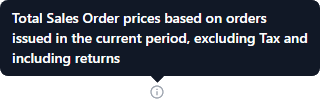
* Click any of the {{Icon Button|Information|4=icons}} for more details.<br>[[File:Sales Dashboard i.png]] | |||
{{IntroImage}} | {{IntroImage}} | ||
Revision as of 12:12, 6 August 2024
 The Sales Dashboard module, located in the
 Sales group, shows an overview of your sales data.
- In the Date Range field, select the date range you would like to view.
- In the Previous Range field, select a date range for comparison.
- Click any of the
 Information icons for more details.