Report 4x6 Location Barcode One Off: Difference between revisions
From Fishbowl Advanced
m (Text replacement - "[[File:Report-" to "{{BackToReports}} [[File:Report-") Tag: Reverted |
m (Text replacement - ".png|right|border|400px|link={{filepath" to ".png|border|800px|link={{filepath") Tag: Reverted |
||
| Line 1: | Line 1: | ||
{{BackToReports}} [[File:Report-4x6 Location Barcode One Off.png | {{BackToReports}} [[File:Report-4x6 Location Barcode One Off.png|border|800px|link={{filepath:Report-4x6 Location Barcode One Off.png}}]] This report prints location barcodes (Code 128) for 4x6 One Off Labels. | ||
The {{Button|Modify Report}} allows the following report filters to be customized:<br> | The {{Button|Modify Report}} allows the following report filters to be customized:<br> | ||
{{Spacer}}'''OPTIONAL TAB''' | {{Spacer}}'''OPTIONAL TAB''' | ||
Revision as of 21:36, 12 March 2025
←Back to list of reports 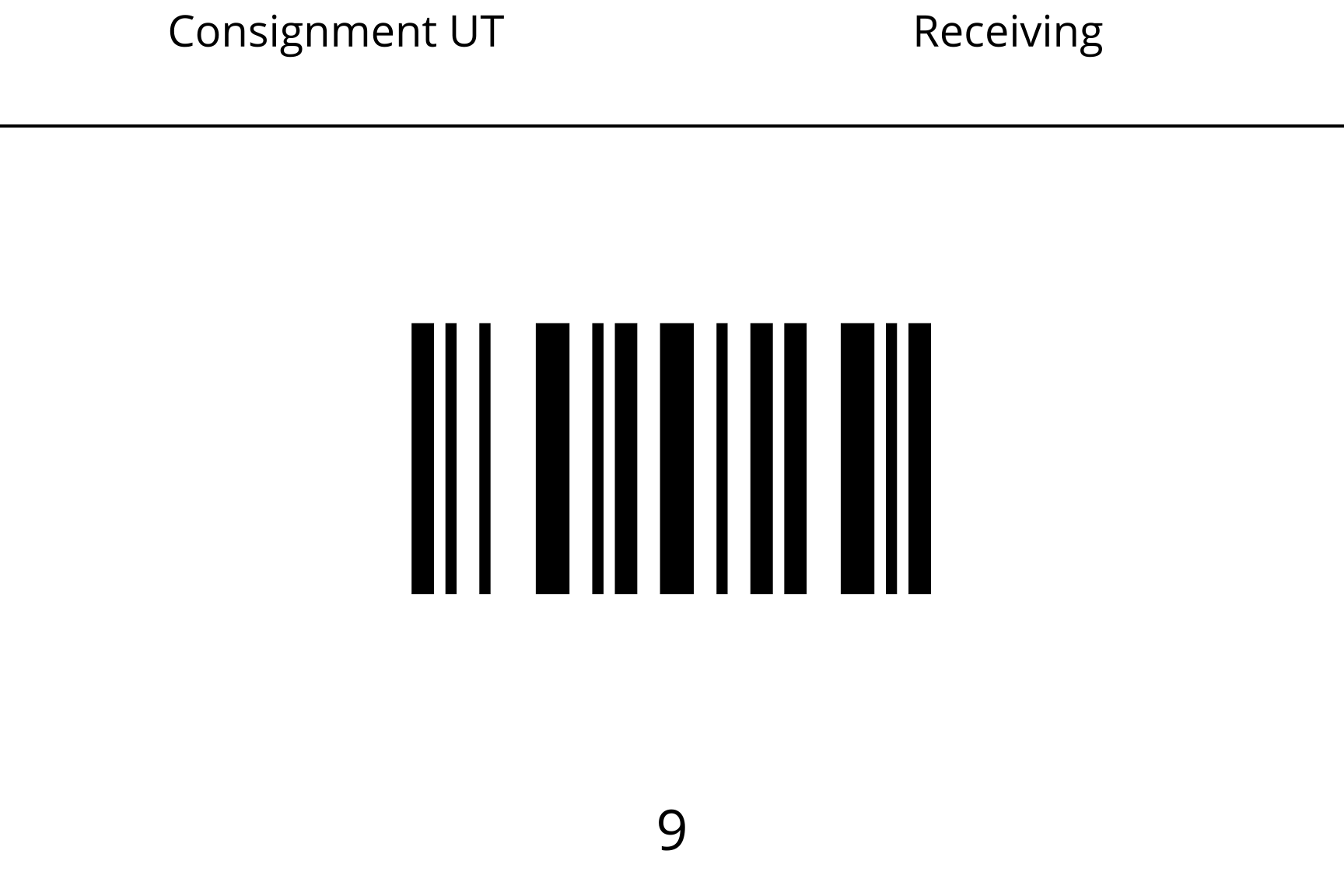 This report prints location barcodes (Code 128) for 4x6 One Off Labels.
The
This report prints location barcodes (Code 128) for 4x6 One Off Labels.
The  Modify Report button allows the following report filters to be customized:
- OPTIONAL TAB
- Sort By - Choose whether to sort by Location Name, Tag Number, or Location Group.
- Location Group - Choose a specific location group to run the report for. Leave this field blank to run for all location groups.
- Location - Choose a specific location to run the report for. Leave this field blank to run for all locations.
- Format Report for Exporting - Removes the page breaks and displays the report on one long page for exporting to CSV, Excel, and other formats.
- Show Tag - Choose to show/hide the tag by checking/unchecking this checkbox.
- PRINTER TAB - Allows a default printer to be specified for the report in each location group.