Report Part Barcodes By PO One Off: Difference between revisions
From Fishbowl Advanced
m (Text replacement - ".png|right|border|800px|link={{filepath" to ".png|right|border|400px|link={{filepath") Tags: Manual revert Reverted |
m (Text replacement - "{{BackToReports}} " to "") Tag: Manual revert |
||
| Line 1: | Line 1: | ||
[[File:Report-Part Barcodes By PO One Off.png|right|border|400px|link={{filepath:Report-Part Barcodes By PO One Off.png}}]] This report prints out part barcodes based on a given PO in a one off format. The label size is 2x1. The number of barcodes printed per part will match the quantity on the PO. | |||
The {{Button|Modify Report}} allows the following report filters to be customized:<br> | The {{Button|Modify Report}} allows the following report filters to be customized:<br> | ||
{{Spacer}}'''REQUIRED TAB''' | {{Spacer}}'''REQUIRED TAB''' | ||
Latest revision as of 22:16, 12 March 2025
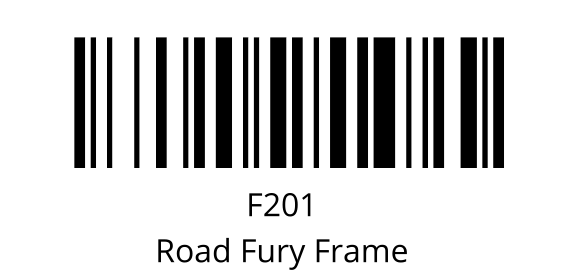
This report prints out part barcodes based on a given PO in a one off format. The label size is 2x1. The number of barcodes printed per part will match the quantity on the PO.
The  Modify Report button allows the following report filters to be customized:
- REQUIRED TAB
- PO Number - Select the purchase order number to print out part barcodes (Code 128) for.
- OPTIONAL TAB
- Order By - Select how to order parts: Part Num or Line Item.
- Format Report for Exporting - Removes the page breaks and displays the report on one long page for exporting to CSV, Excel, and other formats.
- Show Description - Choose to show/hide the part description by checking/unchecking this checkbox.
- PRINTER TAB - Allows a default printer to be specified for the report in each location group.