Report Receiving Label
From Fishbowl Advanced
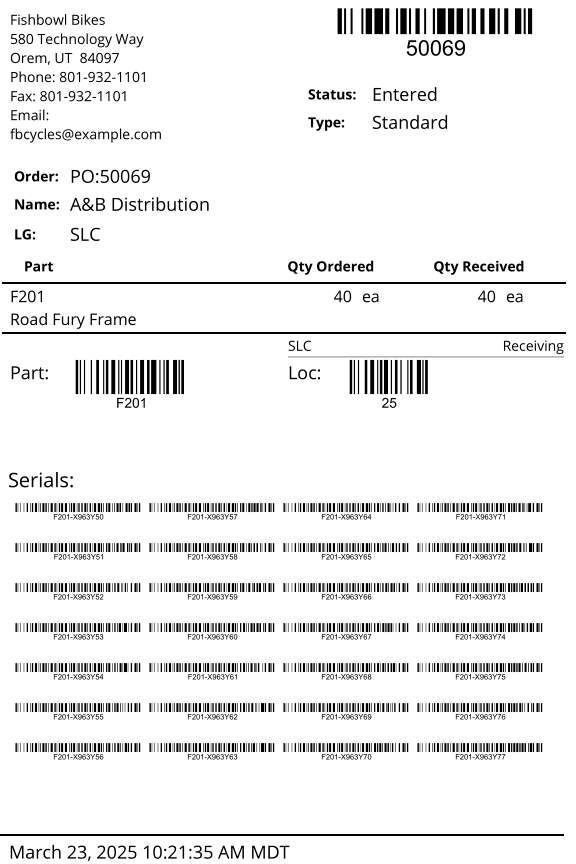
This report prints a label for all parts received with their tracking information.
The  Modify Report button allows the following report filters to be customized:
- REQUIRED TAB
- Receiving - Select the order to display in the report.
- OPTIONAL TAB
- Default Location Barcode - Choose to show/hide a barcode for the item's default location by checking/unchecking this checkbox.
- Format Report for Exporting - Removes the page breaks and displays the report on one long page for exporting to CSV, Excel, and other formats.
- Include Item Barcode - Choose to show/hide a barcode containing the item number by checking/unchecking this checkbox.
- Include Received Items - Choose to show/hide items that have already been received by checking/unchecking this checkbox.
- PRINTER TAB - Allows a default printer to be specified for the report in each location group.