Report Sales By Count
From Fishbowl Advanced
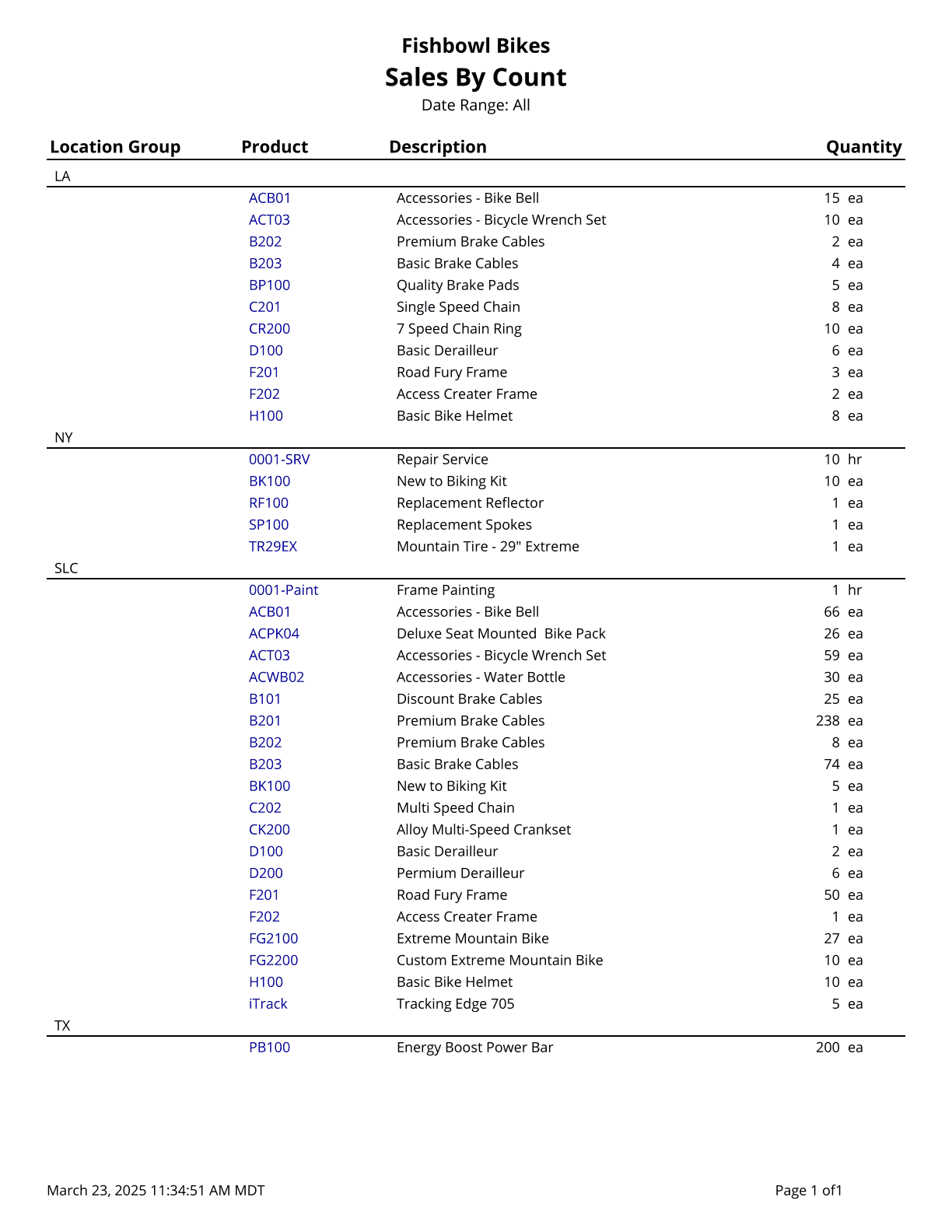
This report generates a list of sales by count for orders that have items shipped during the date range specified.
The  Modify Report button allows the following report filters to be customized:
- OPTIONAL TAB
- Group By - Choose whether to group the report by Location Group, by Class , by Sales Person or by Customer Group.
- Sort By - Choose whether to sort by Product Number, Product Description or Quantity. Add additional sorts that apply in sequence by clicking on the green Add More Sorting Options button. Also, choose Ascending or Descending order by clicking on the blue arrow icon.
- Sales Person - Choose which sales person to run the report for. Leave this field blank to run for all sales people.
- Class - Select a class to run the report for. Leave this field blank to run for all classes.
- Location Group - Choose a specific location group to run the report for. Leave this field blank to run for all location groups.
- Customer Group - Choose to run the report for a specific customer group. Leave this field blank to run for all customer groups.
- Date Range - Choose a date range to run the report for. The date range looks at the DateLastFulfillment on the SOITEM table in the database, meaning, if a line item with a quantity greater than 1 is partially shipped, the most recent fulfilled date (when a partial quantity was shipped) is what will be used for all quantity fulfilled so far. Backdated shipments will show up correctly. Partial shipments of a specific product will show up on the latest fulfilled/shipped date for that item.
- Format Report for Exporting - Removes the page breaks and displays the report on one long page for exporting to CSV, Excel, and other formats.
- PRINTER TAB - Allows a default printer to be specified for the report in each location group.