Template:Backup
Template page
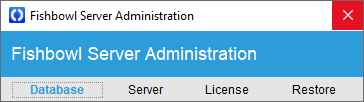
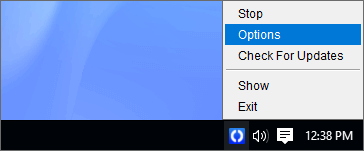
- To create a backup, right-click the Fishbowl Server icon in the system tray and select Options.
- Right-click your Live database and select Backup Database

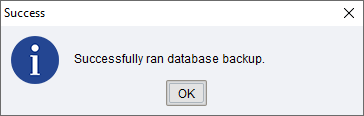
- The backup file will be saved in the Fishbowl\data\backups folder. For example, C:\Program Files\Fishbowl\data\backups
- Close the Fishbowl Server Administration window.