Template:Install
Template page
- On the server computer, download the latest version of the Fishbowl installer.
- Install Fishbowl on the server computer.
- On the Installation Mode step of the installer, select Current Fishbowl User and select Server with Client.

- On the Select Destination Directory step of the installer, change the destination directory to Fishbowl Sandbox.
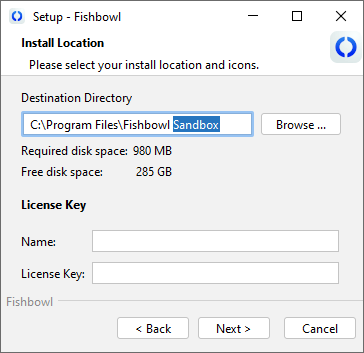
- Enter your license key and proceed through the installation wizard.
- On the final step, make sure Run Fishbowl is selected and then click Finish.

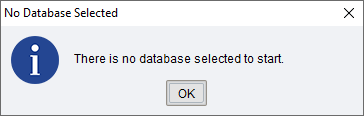
- If you get a message saying that there is no database yet, you can skip the first three steps in the next section.