Report Reorder Points
From Fishbowl Advanced
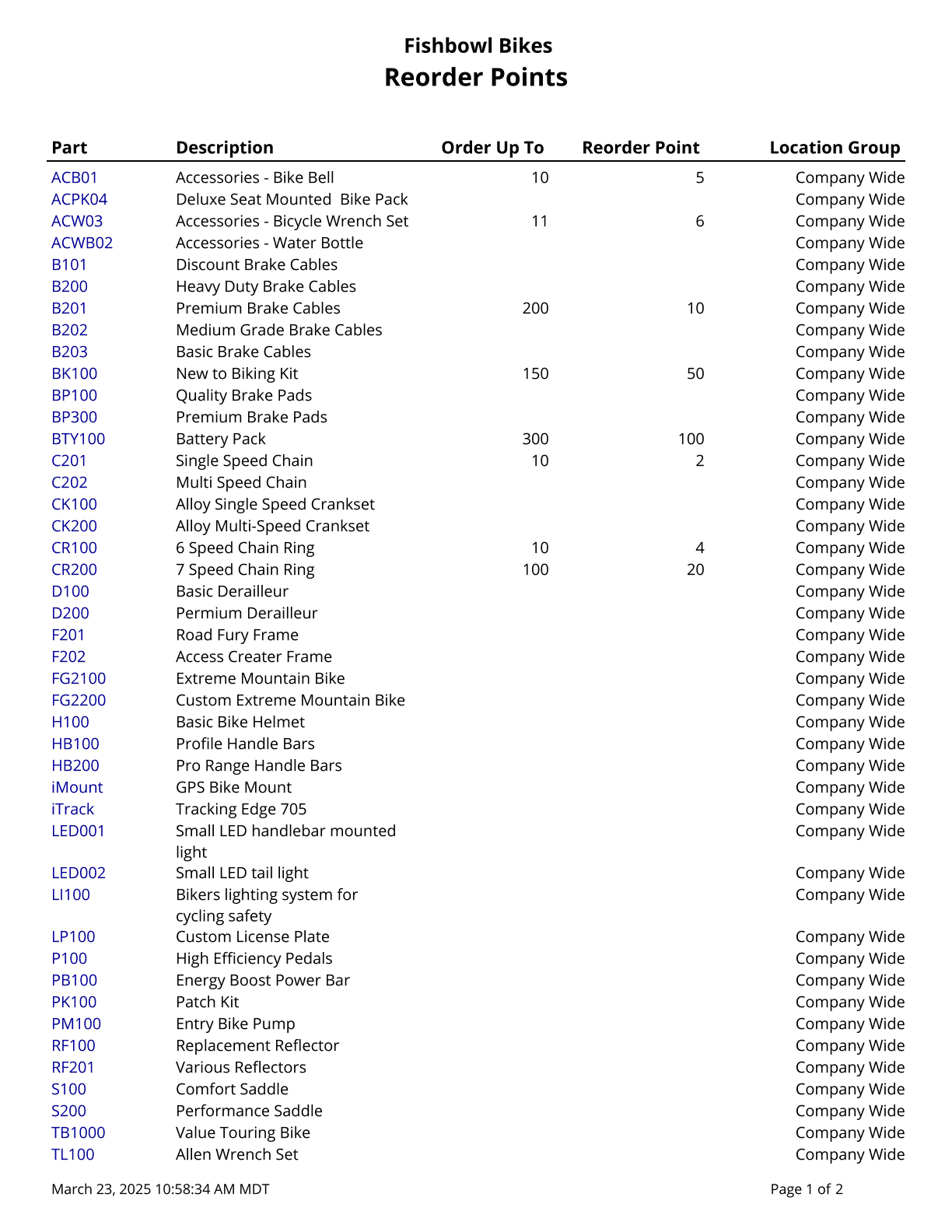
This report generates a list of parts along with the part's Order Up To, as well as Reorder Point by Location Group or Company Wide.
The  Modify Report button allows the following report filters to be customized:
- OPTIONAL TAB
- Part Number - Choose a part number to run the report for. Leave this field blank to run for all parts.
- Show Parts Without Reorder Points - Choose to show/hide parts that do not have reorder points set by checking/unchecking this checkbox.
- Format Report for Exporting - Removes the page breaks and displays the report on one long page for exporting to CSV, Excel, and other formats.
- PRINTER TAB - Allows a default printer to be specified for the report in each location group.