Mobile app: Difference between revisions
From Fishbowl Drive
No edit summary |
(→Items) |
||
| Line 10: | Line 10: | ||
==Items== | ==Items== | ||
{{DMI|Items}} | {{DMI|Items}} | ||
==Scanner== | |||
{{DMI|Scanner}} | |||
==Item Details== | ==Item Details== | ||
Revision as of 11:17, 27 October 2023
Fishbowl is developing a new mobile app, called Drive Mobile. Currently, it only supports iOS and macOS, but it will soon support Android and include the same features as the previous Fishbowl Online Mobile app, which is still available.
Drive Mobile
- Open the App Store on your Apple device and search for Fishbowl Drive.
- Click Install and then click Open.
- Enter the same credentials you use for fishbowlonline.com, and then click Log in.
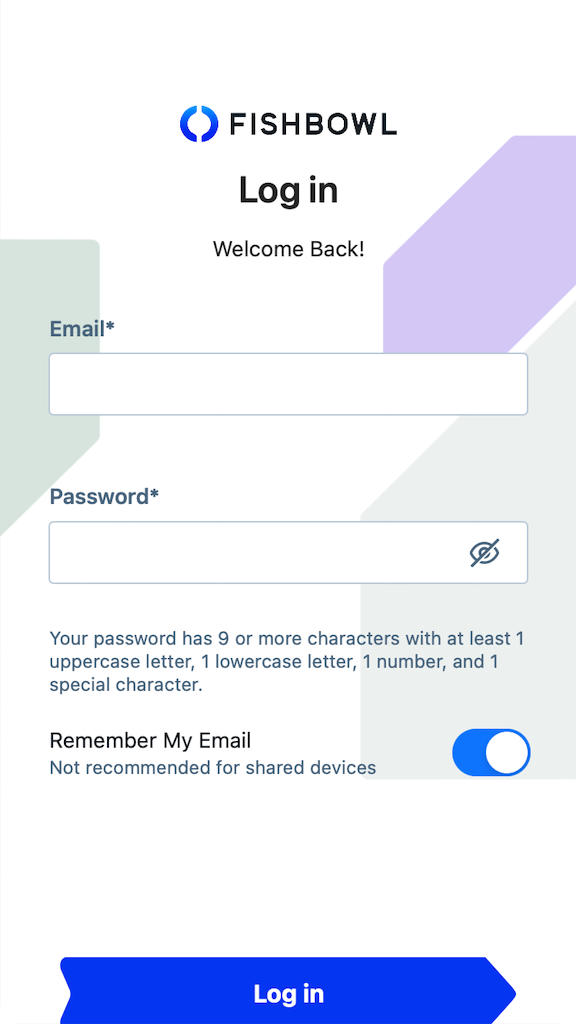
- The mobile app provides access to some of the same great features that are available on fishbowlonline.com.

Items

Scanner

Item Details

Item Details
Inventory Summary

Inventory Locations

Inventory Adjust

Inventory Add

Inventory Scrap

Inventory Move

Inventory Cycle

Menu

Settings

Sample Data

Online Mobile
Fishbowl Online has been renamed to Fishbowl Drive. The mobile app for Fishbowl Online is still available while we work on a new mobile app for Fishbowl Drive. The mobile apps for Fishbowl Online is available for iOS and Android.
- Search your app store for Fishbowl Online, or click the following links to install the app for iOS or Android.
- Open the Fishbowl Online mobile app, enter the same credentials you use for fishbowlonline.com, and then click Log in.
File:Fishbowl Drive Mobile Login.png - The mobile app provides access to some of the same great features that are available on fishbowlonline.com.
File:Fishbowl Drive Mobile App.png

