Mobile app
Fishbowl is developing a new mobile app called Fishbowl Drive Mobile. Currently, it only supports iOS and macOS, but it will soon support Android and include the same features as the previous Fishbowl Online Mobile app, which is still available.
Fishbowl Drive Mobile
- Click here or open the App Store on your Apple device and search for Fishbowl Drive.
- Click Install, and then click Open.
- Enter the same credentials you use for fishbowlonline.com, and then click Log in.
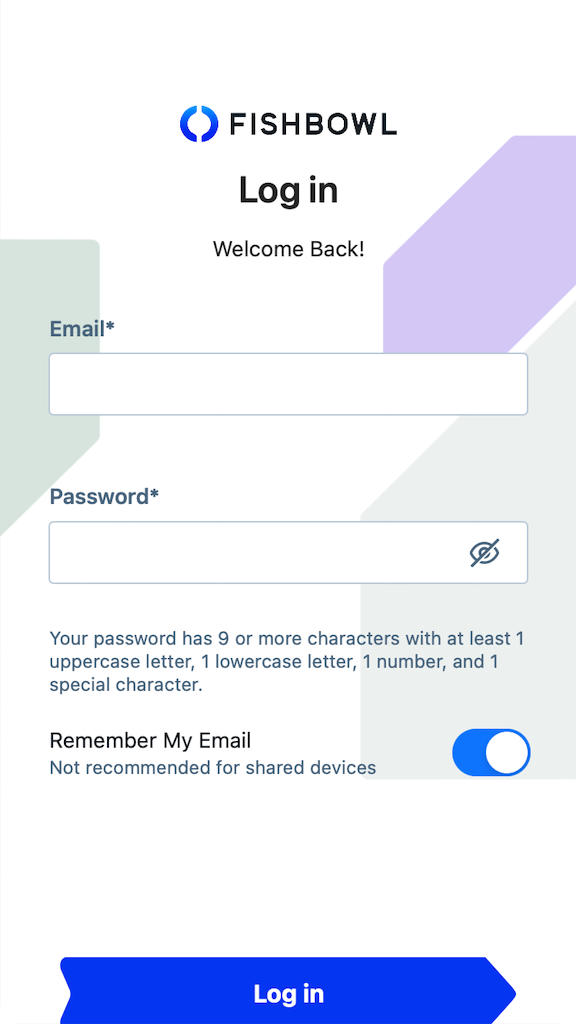
- The mobile app provides access to some of the same great features that are available on fishbowlonline.com.

Items
The Items module displays every item that you have created in Fishbowl Drive. To open an item, click it from the list, click the scan icon on the bottom right to scan its barcode, or enter text in the Search bar and select the option that appears under it.

Item Details
The Item Details screen displays information about the item you selected in the Items module. It shows the item's type and cost above its name and description. It also shows the item's dimensions, weight, and unit of measure. Any tags you have added to it are displayed at the bottom.

Inventory Summary
In the Inventory module, there are two screens you can look at when you click an item. Summary is the default. This screen displays how many units of the item are available, on hand, allocated, committed, and incoming across all of your locations. It also shows the average cost and total cost of the units. Three buttons at the bottom of the screen enable you to adjust quantities up or down, move units between locations, and cycle count the item.

Scanner

Inventory Locations

Inventory Adjust

Inventory Add

Inventory Scrap

Inventory Move

Inventory Cycle

Menu

Settings

Sample Data

Fishbowl Online Mobile
Fishbowl Online has been renamed to Fishbowl Drive. The mobile app for Fishbowl Online is still available while we work on a new mobile app for Fishbowl Drive. The mobile apps for Fishbowl Online is available for iOS and Android.
- Search your app store for Fishbowl Online, or click the following links to install the app for iOS or Android.
- Open the Fishbowl Online mobile app, enter the same credentials you use for fishbowlonline.com, and then click Log in.
File:Fishbowl Drive Mobile Login.png - The mobile app provides access to some of the same great features that are available on fishbowlonline.com.
File:Fishbowl Drive Mobile App.png

