Report Kit Report
From Fishbowl Advanced
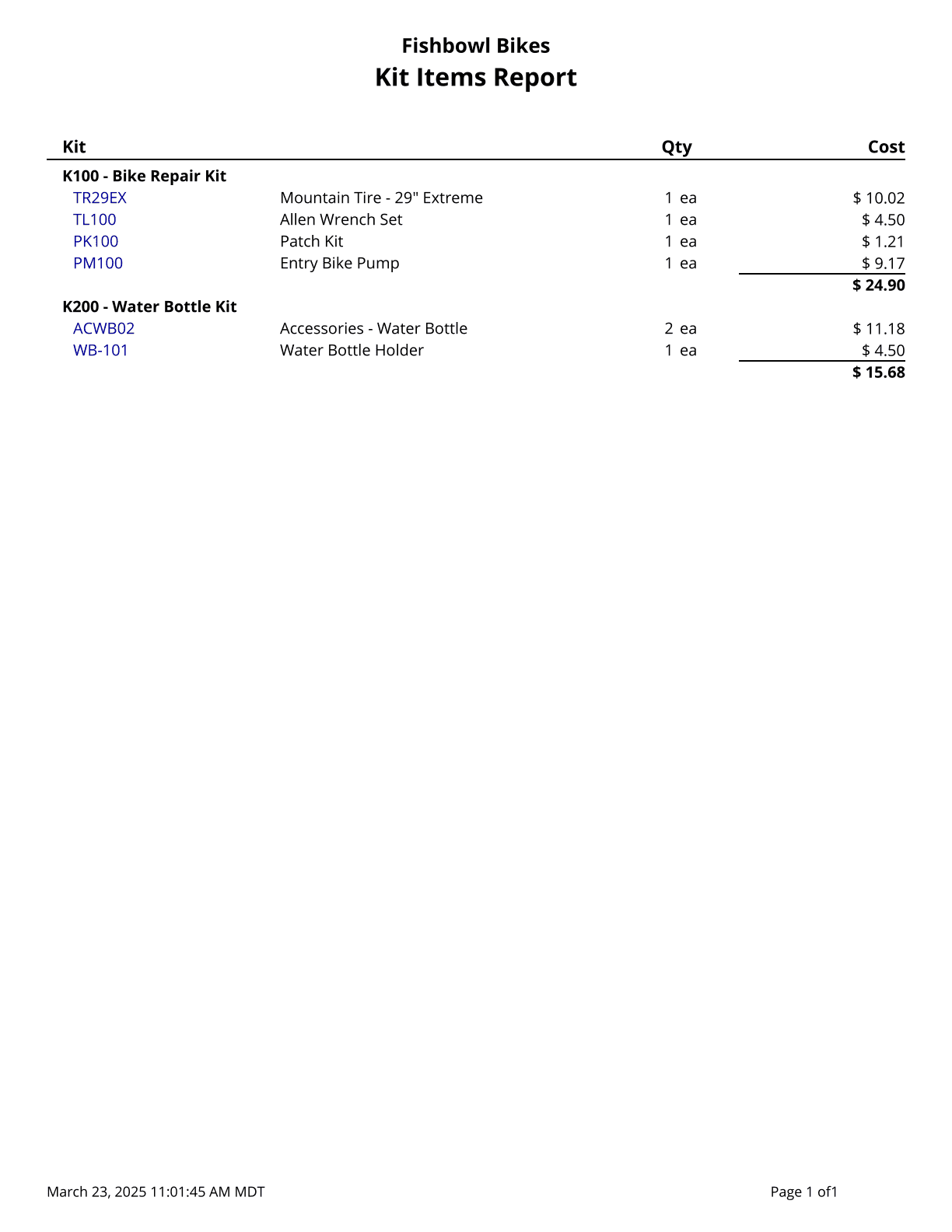
This report generates a list of kits and items within each kit. Cost values are based on today's costs. Starred (*) items are the default of an optional or variable-optional item. Items that are not default do not display quantity or cost.
The  Modify Report button allows the following report filters to be customized:
- OPTIONAL TAB
- Costing Method - Choose the costing method to use when running the report: Average Cost, Standard Cost, LIFO, or FIFO.
- Kit Number - Select a specific kit number to run the report for. Leave this field blank to run for all kits.
- Format Report for Exporting - Removes the page breaks and displays the report on one long page for exporting to CSV, Excel, and other formats.
- PRINTER TAB - Allows a default printer to be specified for the report in each location group.