Report New Tags
From Fishbowl Advanced
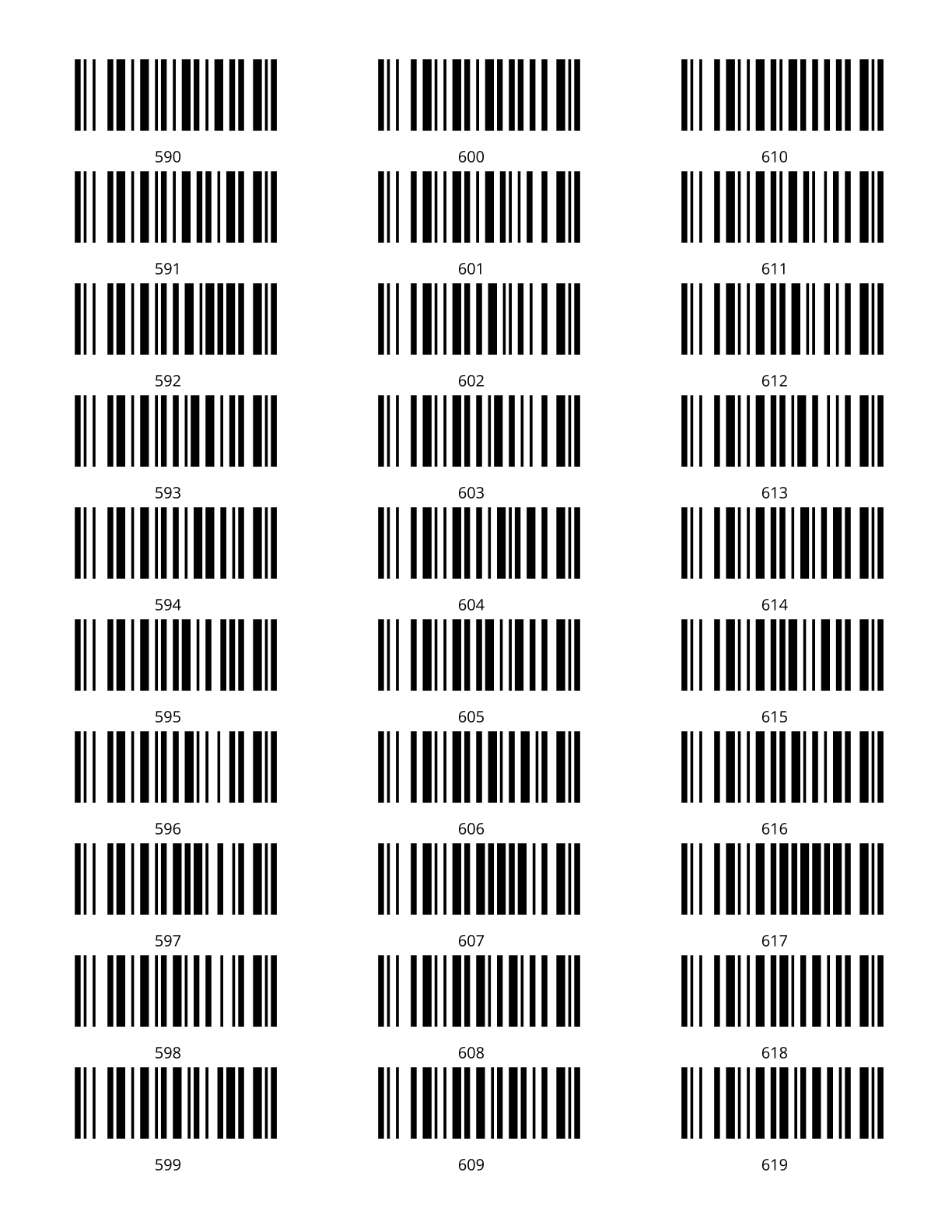
This report prints new tag barcodes in an Avery 8160 label sheet.
The  Modify Report button allows the following report filters to be customized:
- OPTIONAL TAB
- Print Tags Using - Choose how the tags are to be created: Next Available, Repeat Tag, or Tag Starting Point.
- Qty - Enter the number of tags to print out. There are 30 labels per page.
- Repeat Tag - Enter the tag number to print out. The report will print this tag number only and only if Repeat Tag is selected in the Print Tags Using dropdown.
- Start At Label - Enter the position number for the labels to start printing on. It numbers top to bottom then left to right.
- Tag Starting Point - Enter the number to start the sequence with. This field is only used if Tag Starting Point is selected in the Print Tags Using dropdown.
- Format Report for Exporting - Removes the page breaks and displays the report on one long page for exporting to CSV, Excel, and other formats.
- PRINTER TAB - Allows a default printer to be specified for the report in each location group.