Report New Tracking
From Fishbowl Advanced
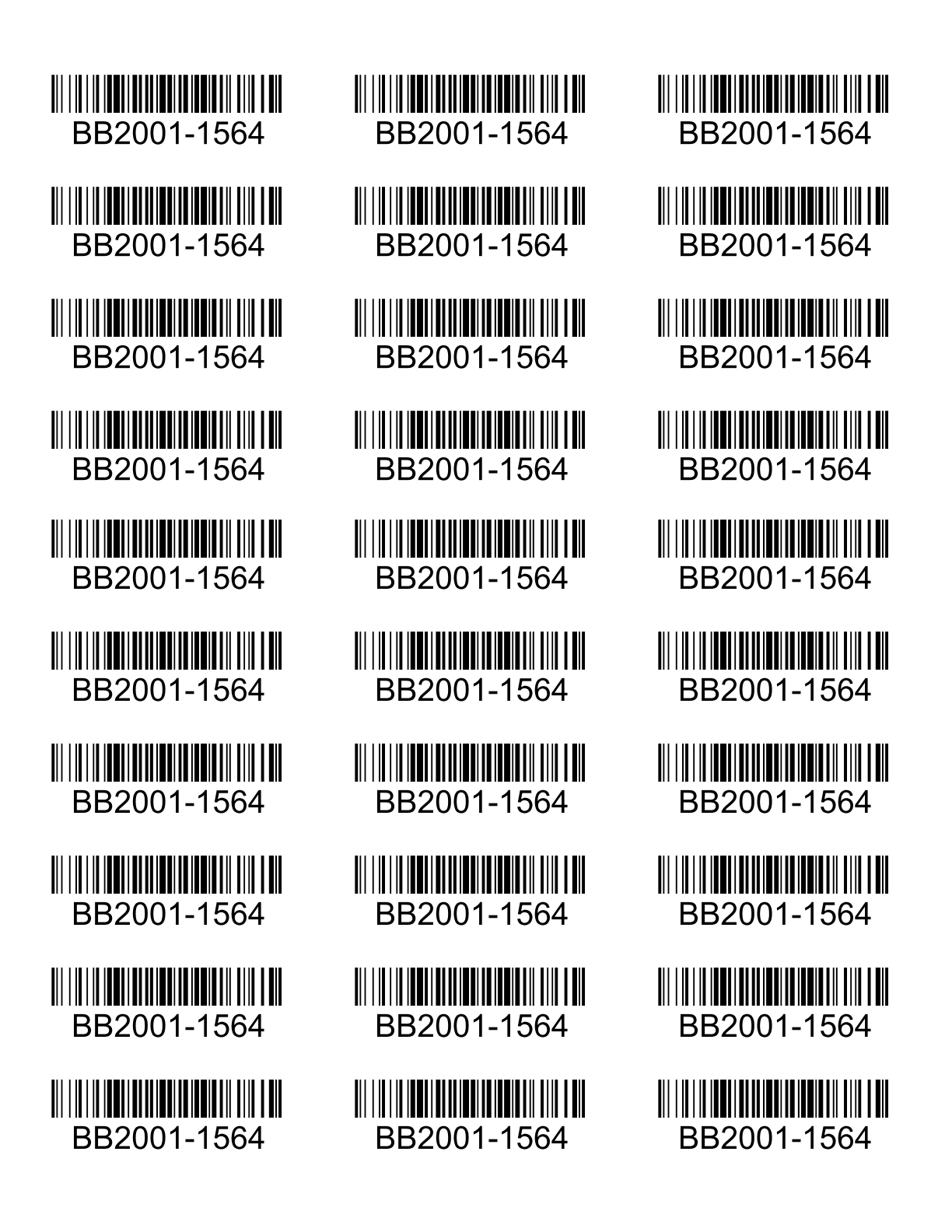
This report prints out new tracking labels for a single number on an Avery 8160 label sheet.
The  Modify Report button allows the following report filters to be customized:
- REQUIRED TAB
- Tracking Value - Enter the number/value to print out with the barcode.
- Number To Print - Enter the number of labels to print out.
- OPTIONAL TAB
- Start At Label - Enter the position number for the labels to start printing on. It numbers top to bottom then left to right.
- Format Report for Exporting - Removes the page breaks and displays the report on one long page for exporting to CSV, Excel, and other formats.
- PRINTER TAB - Allows a default printer to be specified for the report in each location group.