Report On Hand
From Fishbowl Advanced
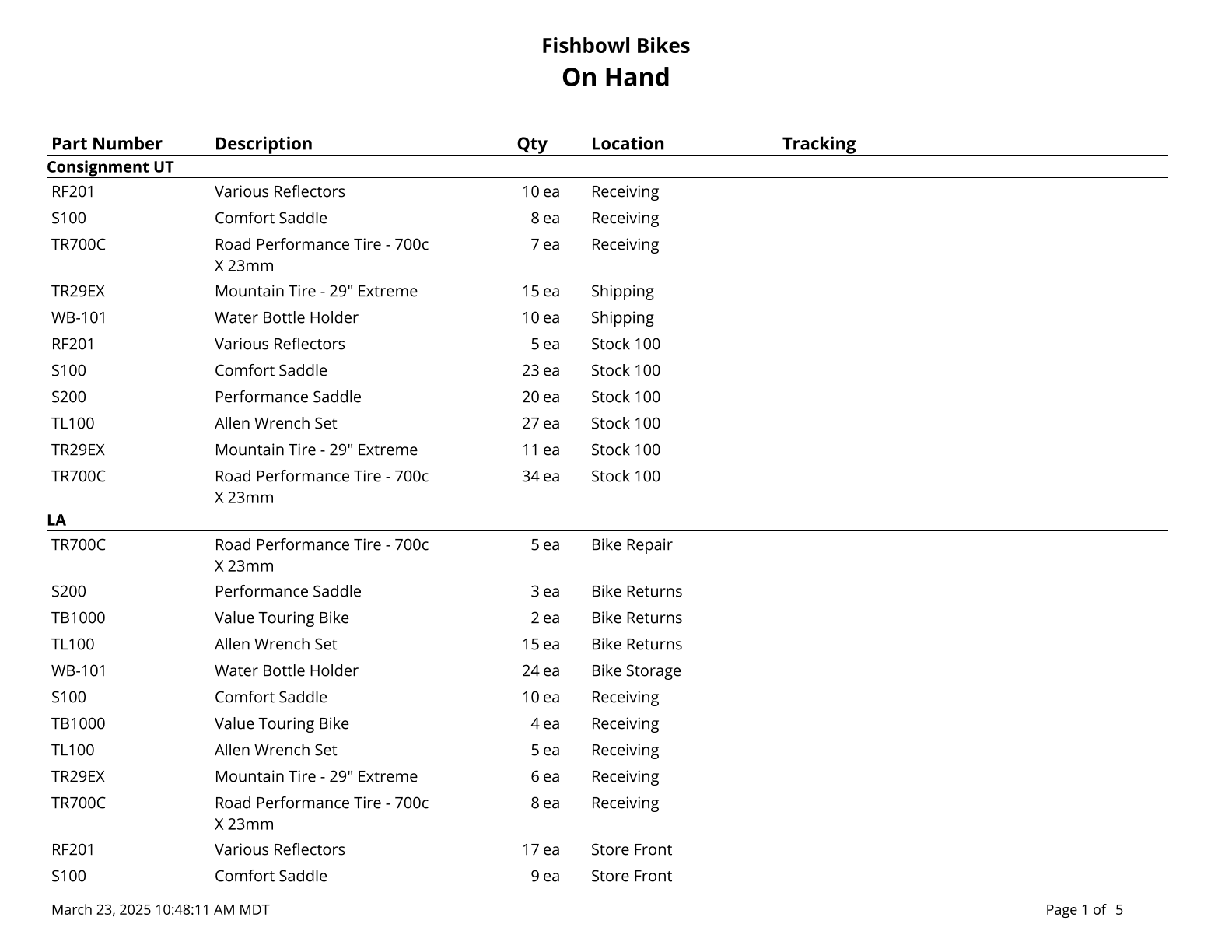
This report displays a list of parts with the current quantity on hand.
The  Modify Report button allows the following report filters to be customized:
- OPTIONAL TAB
- Filter by Part Custom Field - Filter the report based on a custom field, select the custom field, and then type a value to filter by. Use % for wildcard searches. If the custom field is a checkbox, use true or false.
- Order By - Select how the parts are ordered: Part Num or Location.
- Location Group - Choose a specific location group to run the report for. Leave this field blank to run for all location groups.
- Location - Choose a specific location to run the report for. Leave this field blank to run for all locations.
- Part Number - Choose a specific part number to run the report for. Leave this field blank to run for all part numbers.
- Report Title - Allows the On Hand title at the top of the report to be replaced with custom text.
- Tracking - Show only parts with matching tracking. *Accepts all tracking except for serial number type tracking.
- Show Parts With Zero Quantity - Choose to show/hide parts with zero quantity by checking/unchecking this checkbox.
- Show Parts Without Tracking - Choose to show/hide parts without tracking by checking/unchecking this checkbox.
- Format Report for Exporting - Removes the page breaks and displays the report on one long page for exporting to CSV, Excel, and other formats.
- Show Serial Numbers - Choose to show/hide serial numbers by checking/unchecking this checkbox..
- CUSTOM FIELDS TAB - This report can display 3 part custom fields. Enable Display field for each field that should be displayed on the report.
- COLUMNS TAB - Choose which columns to show/hide on the report by checking/unchecking the checkbox next to each column name.
- PRINTER TAB - Allows a default printer to be specified for the report in each location group.