Report On Hand By Expiration Date
From Fishbowl Advanced
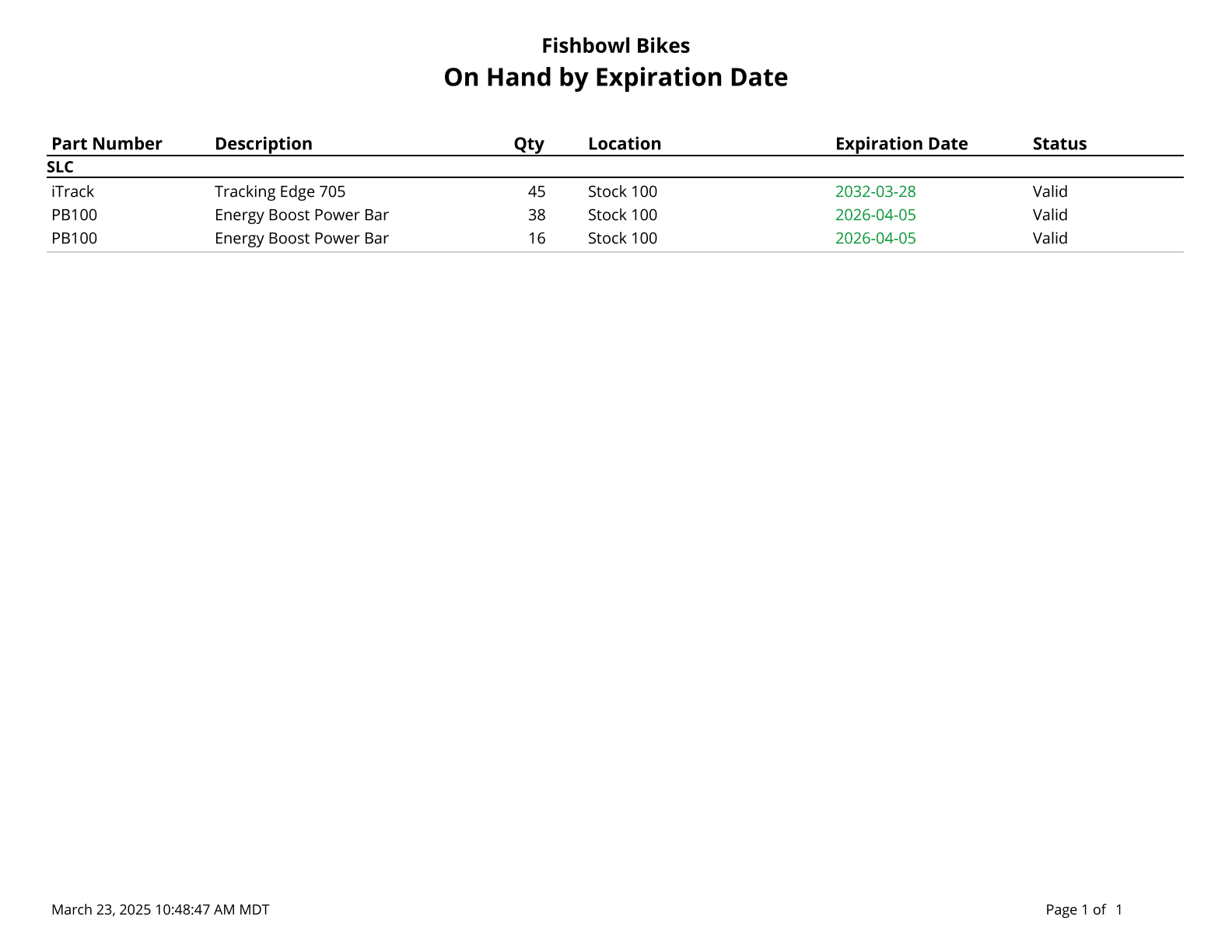
This report lists on hand inventory that has an expiration date.
The  Modify Report button allows the following report filters to be customized:
- OPTIONAL TAB
- Order By - Select how the parts are ordered: Part Num or Location.
- Status - Choose which expiration date statuses to show. Valid=Expiration date is at least 30 days away. Expiring=Expiration date is less than 30 days away. Expired=Expiration date has passed. All=Shows all of the statuses.
- Location Group - Choose a specific location group to run the report for. Leave this field blank to run for all location groups.
- Location - Choose a specific location to run the report for. Leave this field blank to run for all locations.
- Part Number - Choose a specific part number to run the report for. Leave this field blank to run for all part numbers.
- Date Range - Enter an expiration date range to run the report for. This date range looks at the expiration date of the item. If the expiration date is not in the date range, the inventory will not be listed on the report.
- Format Report for Exporting - Removes the page breaks and displays the report on one long page for exporting to CSV, Excel, and other formats.
- HIDE/SHOW TAB - Choose which columns to show/hide on the report by checking/unchecking the checkbox next to each column name.
- PRINTER TAB - Allows a default printer to be specified for the report in each location group.