Report Part Cost Over Time
From Fishbowl Advanced
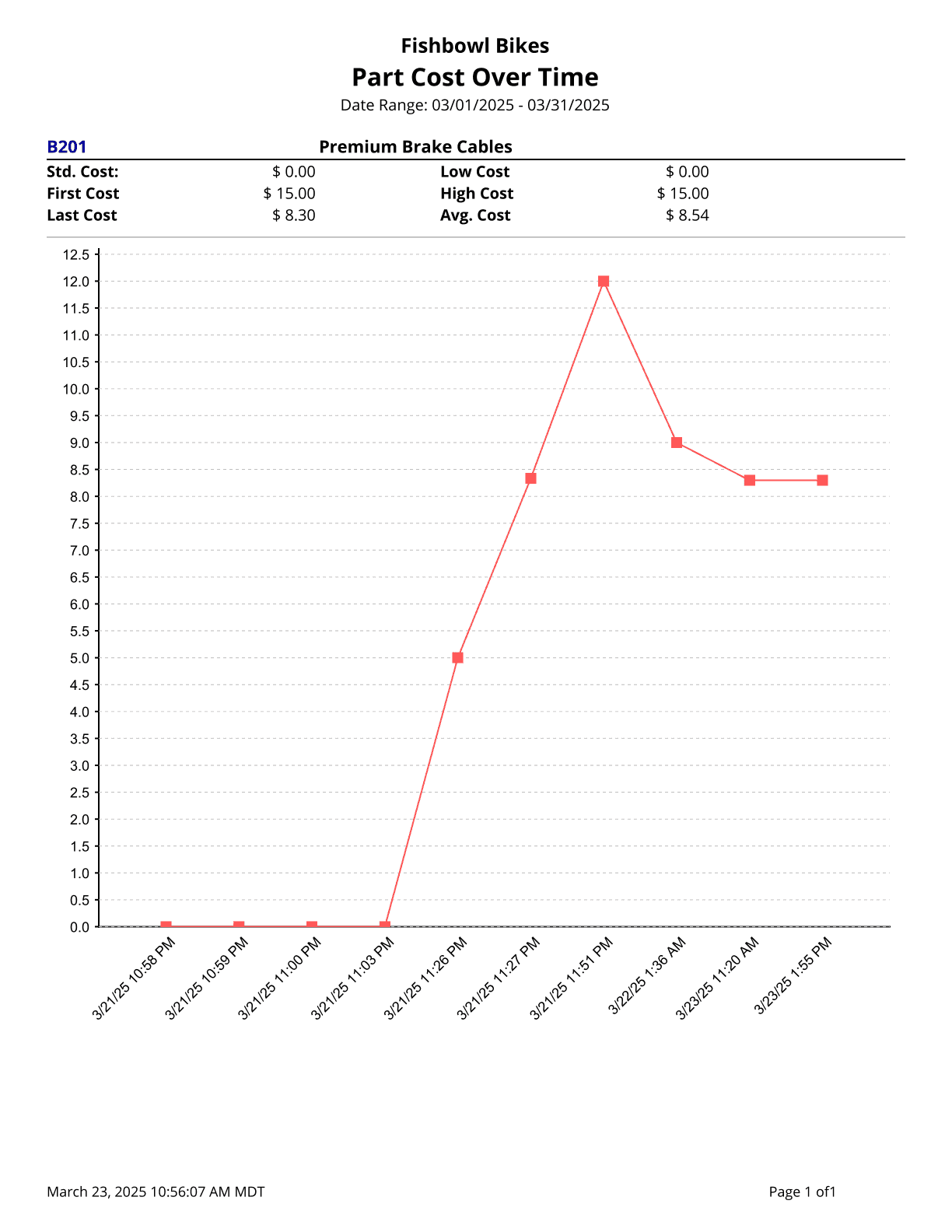
This report generates a part’s costing information over a specified date range.
The  Modify Report button allows the following report filters to be customized:
- REQUIRED TAB
- Part Number - Select a part number to run the report for.
- OPTIONAL TAB
- Date Range - Select the date range to see information for. This date looks at the DateCreated on the COSTLAYER table in the database, meaning the date the costing layer was created by adding initial inventory with a cost or receiving parts in, etc.
- Format Report for Exporting - Removes the page breaks and displays the report on one long page for exporting to CSV, Excel, and other formats.
- PRINTER TAB - Allows a default printer to be specified for the report in each location group.