Report Production Report
From Fishbowl Advanced
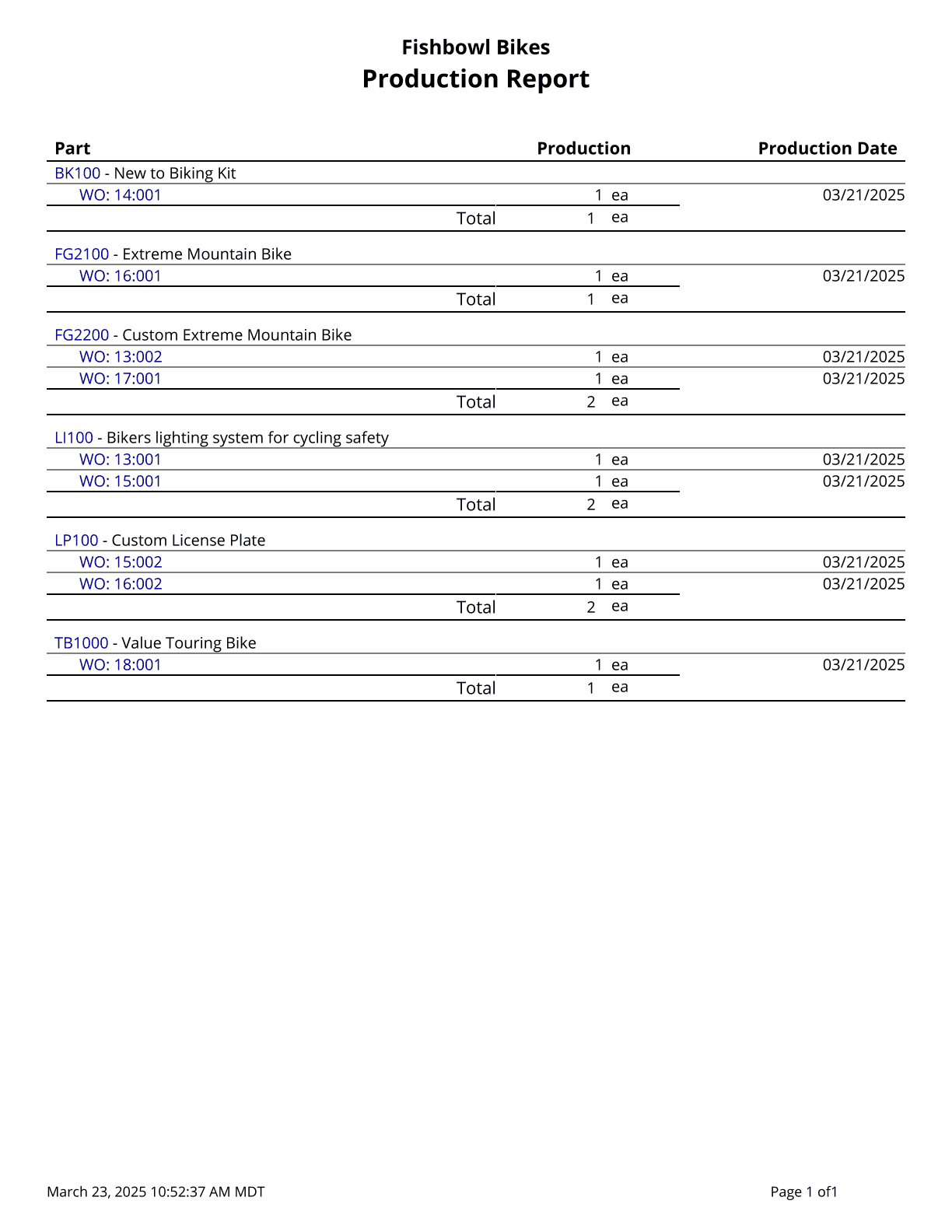
This report shows the parts built in completed work orders, grouped by part number along with the Production Date.
The  Modify Report button allows the following report filters to be customized:
- OPTIONAL TAB
- Part Number - Choose a part number to run the report for. Leave this field blank to run for all parts.
- Date Range - Enter the desired date range to see production information for. This date range looks at the DateFinished on the WO table in the database, meaning it looks at the date the work order was finished/fulfilled. Partial fulfillments will show up separately and correctly.
- Format Report for Exporting - Removes the page breaks and displays the report on one long page for exporting to CSV, Excel, and other formats.
- Show Data - Choose to show/hide specific work order quantities and date information by checking/unchecking this checkbox.
- PRINTER TAB - Allows a default printer to be specified for the report in each location group.