Report Tag Barcodes Avery
From Fishbowl Advanced
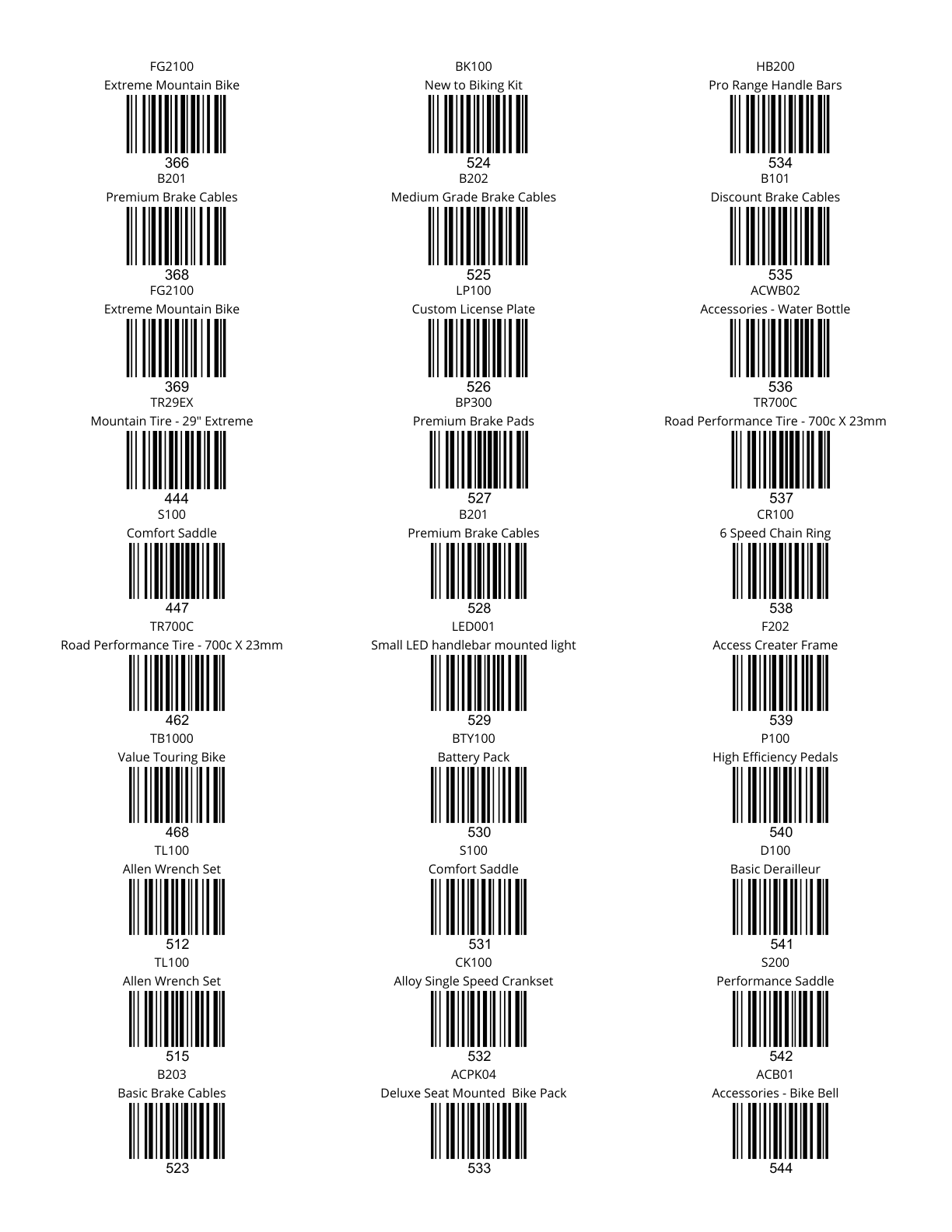
This report prints out inventory tag barcodes on an Avery 8160 label sheet.
The  Modify Report button allows the following report filters to be customized:
- REQUIRED TAB
- Date Range - Enter the desire date range to see tags created in that range.
- OPTIONAL TAB
- Barcode - Choose whether the barcode signifies the Tag # or the Part #.
- Location - Choose a location to run the report for. Leave this field blank to run for all locations.
- Part Number - Choose a part number to run the report for. Leave this field blank to run for all parts.
- Tag - Enter the desire tag number to run the report for. Leave this field blank to run for all tags.
- Format Report for Exporting - Removes the page breaks and displays the report on one long page for exporting to CSV, Excel, and other formats.
- Show Description - Choose to show/hide the part description by checking/unchecking this checkbox.
- PRINTER TAB - Allows a default printer to be specified for the report in each location group.