Report Tag Barcodes One Off
From Fishbowl Advanced
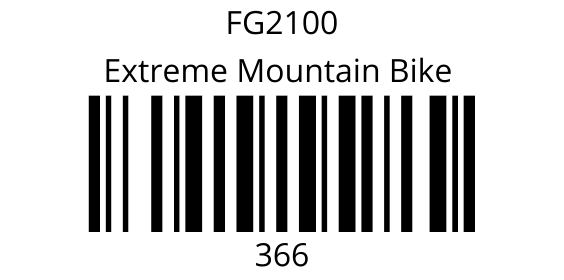
This report prints out inventory tag barcodes in a one off format. The label size is 2x1.
The  Modify Report button allows the following report filters to be customized:
- REQUIRED TAB
- Date Range - Enter the desire date range to see tags created in that range.
- OPTIONAL TAB
- Barcode - Choose whether the barcode signifies the Tag # or the Part #.
- Part Number - Choose a part number to run the report for. Leave this field blank to run for all parts.
- Tag - Enter the desire tag number to run the report for. Leave this field blank to run for all tags.
- Format Report for Exporting - Removes the page breaks and displays the report on one long page for exporting to CSV, Excel, and other formats.
- Show Description - Choose to show/hide the part description by checking/unchecking this checkbox.
- PRINTER TAB - Allows a default printer to be specified for the report in each location group.